Room for every detail.
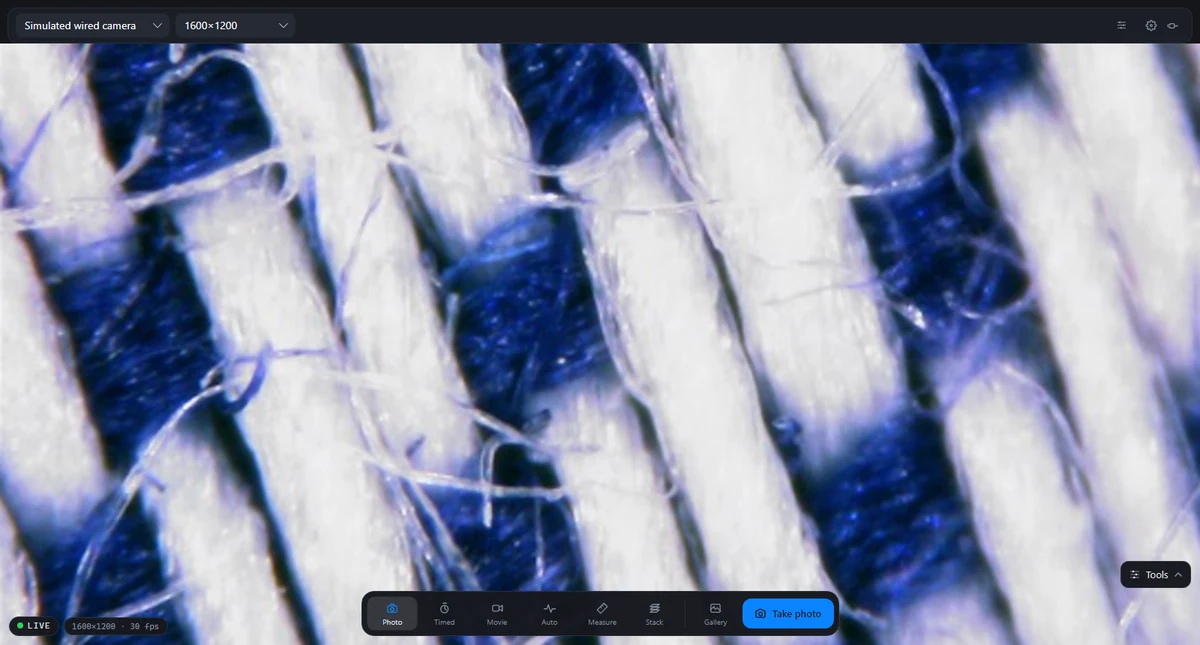
Bring your microscope view to a bigger screen. Keep your captures close at hand while you explore on your desktop.
Desktop · USB microscope
Desktop downloads xploview.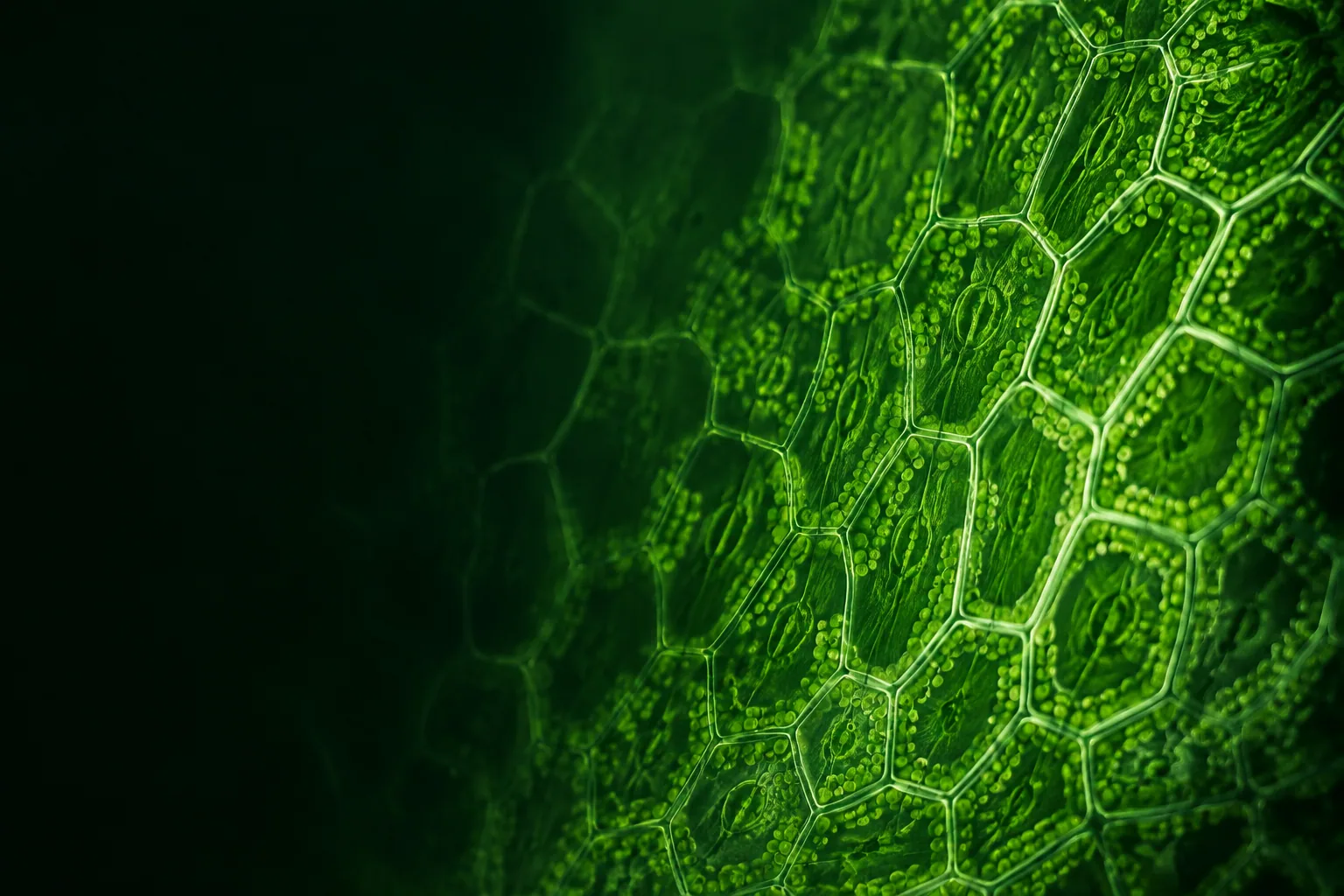
Your microscope. A whole new perspective.
Explore the small details with xploview. View, capture and record with your compatible digital microscope, on your computer, iPad or Android device.
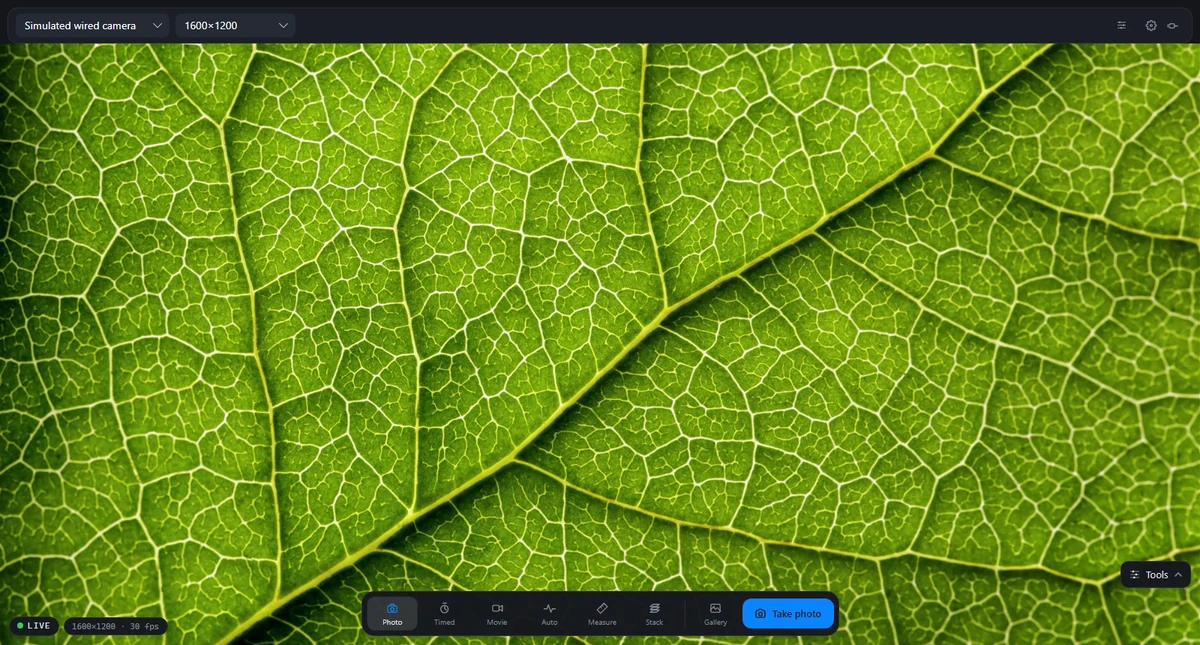
xploview · Desktop
xploview USB · Android tablet
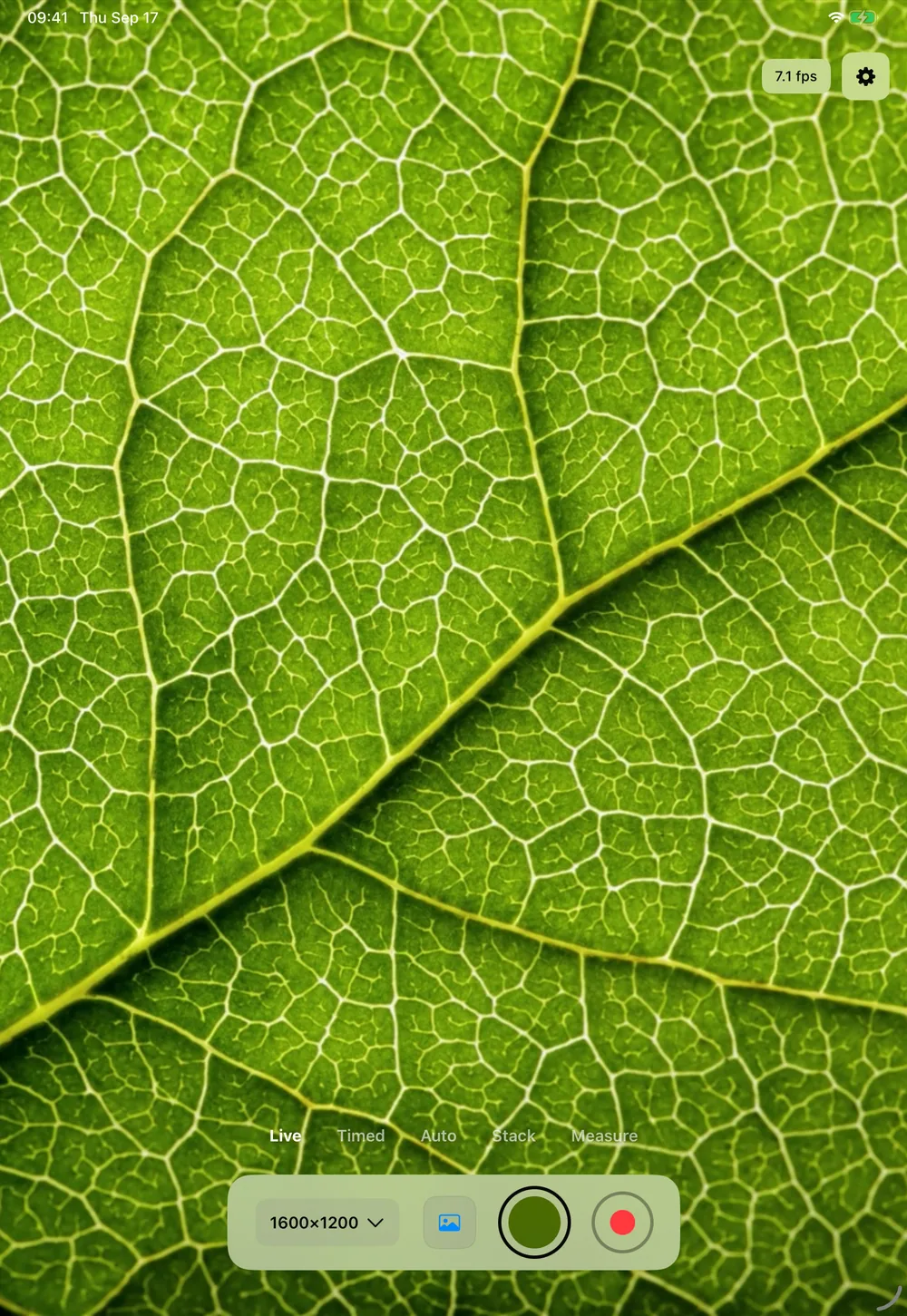
xploview · iPad
Make the little things
worth a second look.
Meet the apps
Choose the app for your screen and microscope.
Connection support varies by app and device.
Bring your microscope view to a bigger screen. Keep your captures close at hand while you explore on your desktop.
Desktop · USB microscope
Desktop downloadsConnect your compatible USB microscope to your iPad. View live detail, capture photos and video, and explore with measurement and focus stacking.
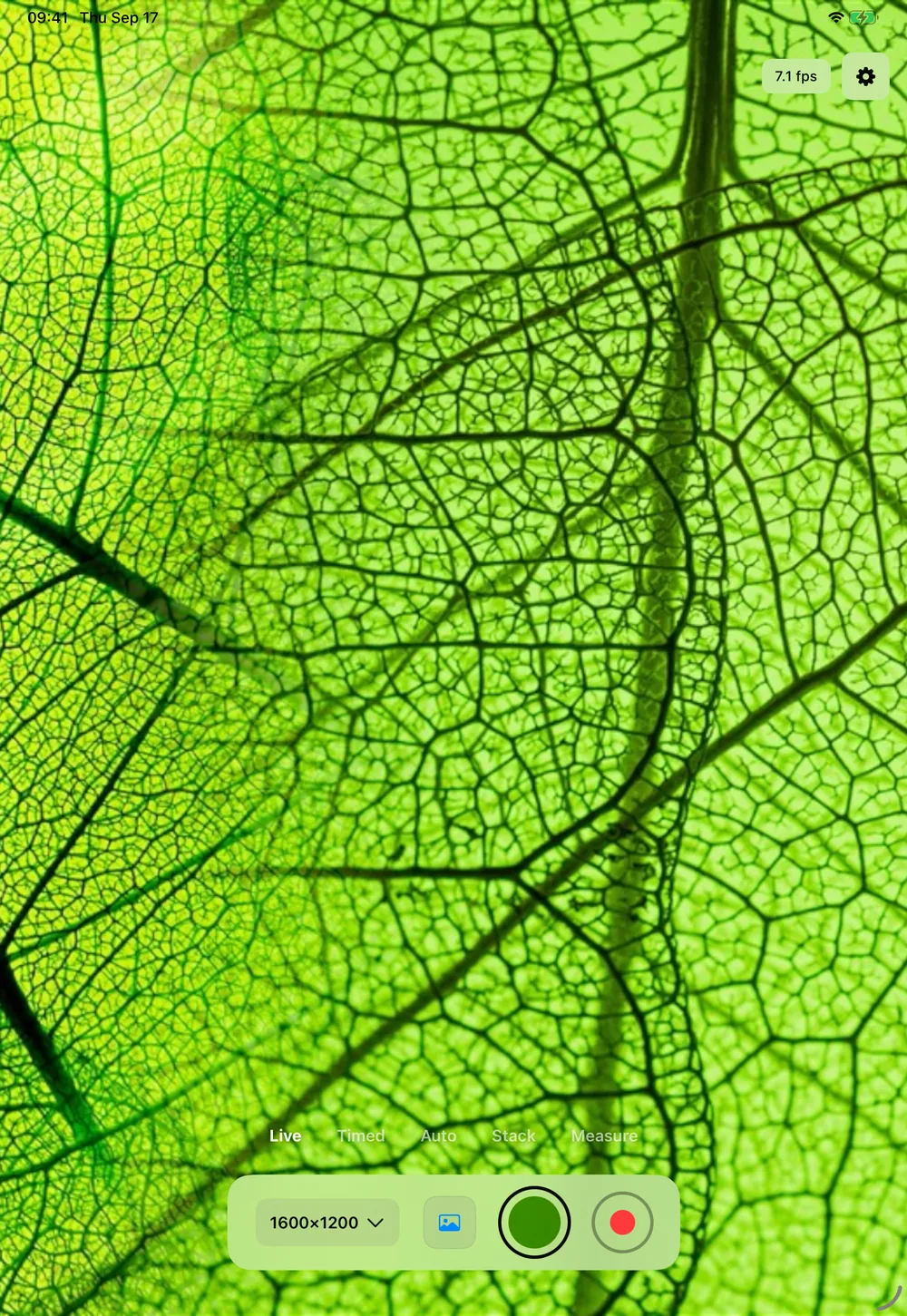
iPadOS 17.0 or later on a compatible USB-C iPad.
Download on theApp StoreUsing a USB microscope on iPad? Visit xploview USB support.
Turn your Android device into a window to the small world. Choose the wireless or USB app to match your microscope.
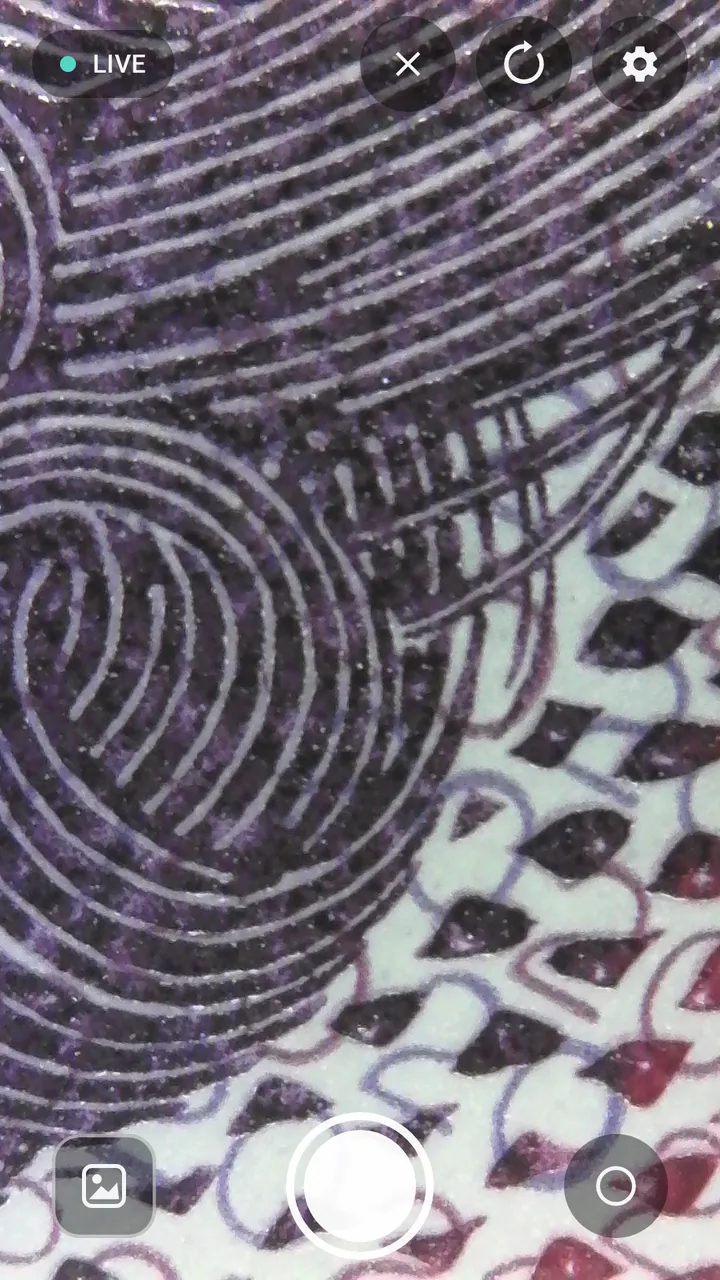
Go beyond the live view
Explore further with Measurement and Focus Stacking.
Available in the desktop and iPad apps.
Desktop & iPad
Put a size to what you see. Calibrate the image, then measure details in your microscope view to make observations easier to compare.
Desktop & iPad
Bring details at different depths together. Capture a series at different focus points and combine them into one image with more of your subject in focus.
Start exploring
Check your microscope’s instructions to choose
the right app and connection type.
Operating system
Windows: choose EXE for a standard setup or MSI for managed deployment.
For earlier devices
Looking for an older version? This is where you’ll find software for earlier xploview setups.
Windows XP SP3–Windows 10 · v3.3.32 · 9.9 MB
Mac OS X 10.5.6–macOS 10.14 · 11 MB
Not compatible with macOS 10.15 or later.
Here to help
View a supported USB microscope on your iPad, capture photos and video, and measure a calibrated image.